Tiny Remap is a lightweight macOS menu bar utility that transparently implements keyboard remapping for your Mac — as simple as it gets. No complicated configuration required. Reassign any key with just two keystrokes and a click.
Note: Tiny Remap does not support remapping of Caps Lock. Modifier keys like Command (⌘), Shift (⇧), Control (⌃), and Option (⌥) can be used in combination with other keys, but cannot be remapped individually.
Screenshots
Features
System-wide
Works in every app — browsers, terminals, editors, native apps. No per-app configuration needed.
Any key
Remap standard keys, function keys (F1–F19), navigation keys, numpad keys, and modifier combinations (⌥ ⌃ ⇧ ⌘).
Two-step setup
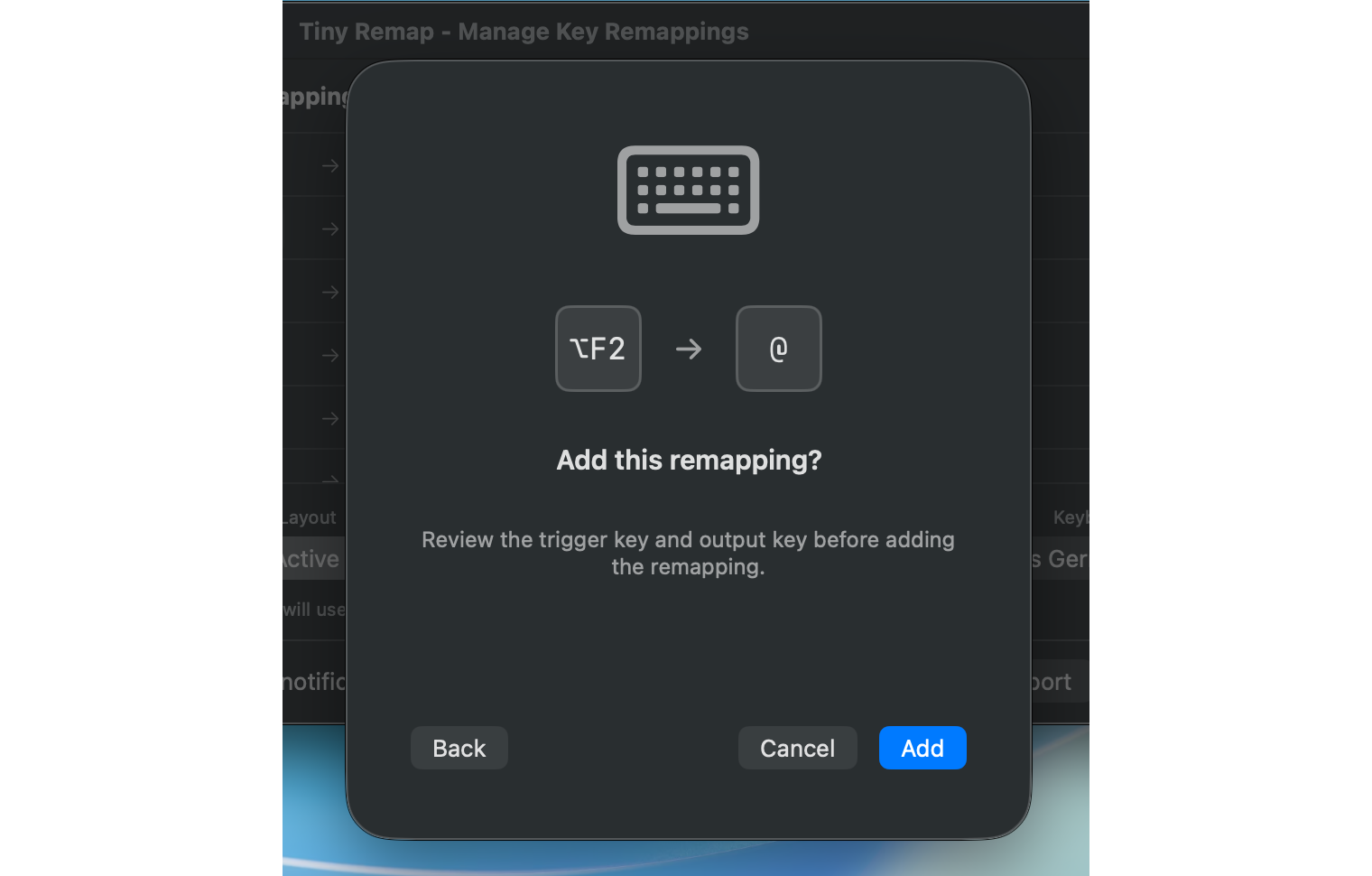
Press the trigger key, press the output key, confirm. Active immediately, everywhere.
Modifier support
Use ⌥ ⌃ ⇧ ⌘ as part of any trigger combination. Complex shortcuts made simple.
Dead key composition
Assign a dead key directly, or compose it with a follow-up key into a single trigger.
Per-keyboard layout
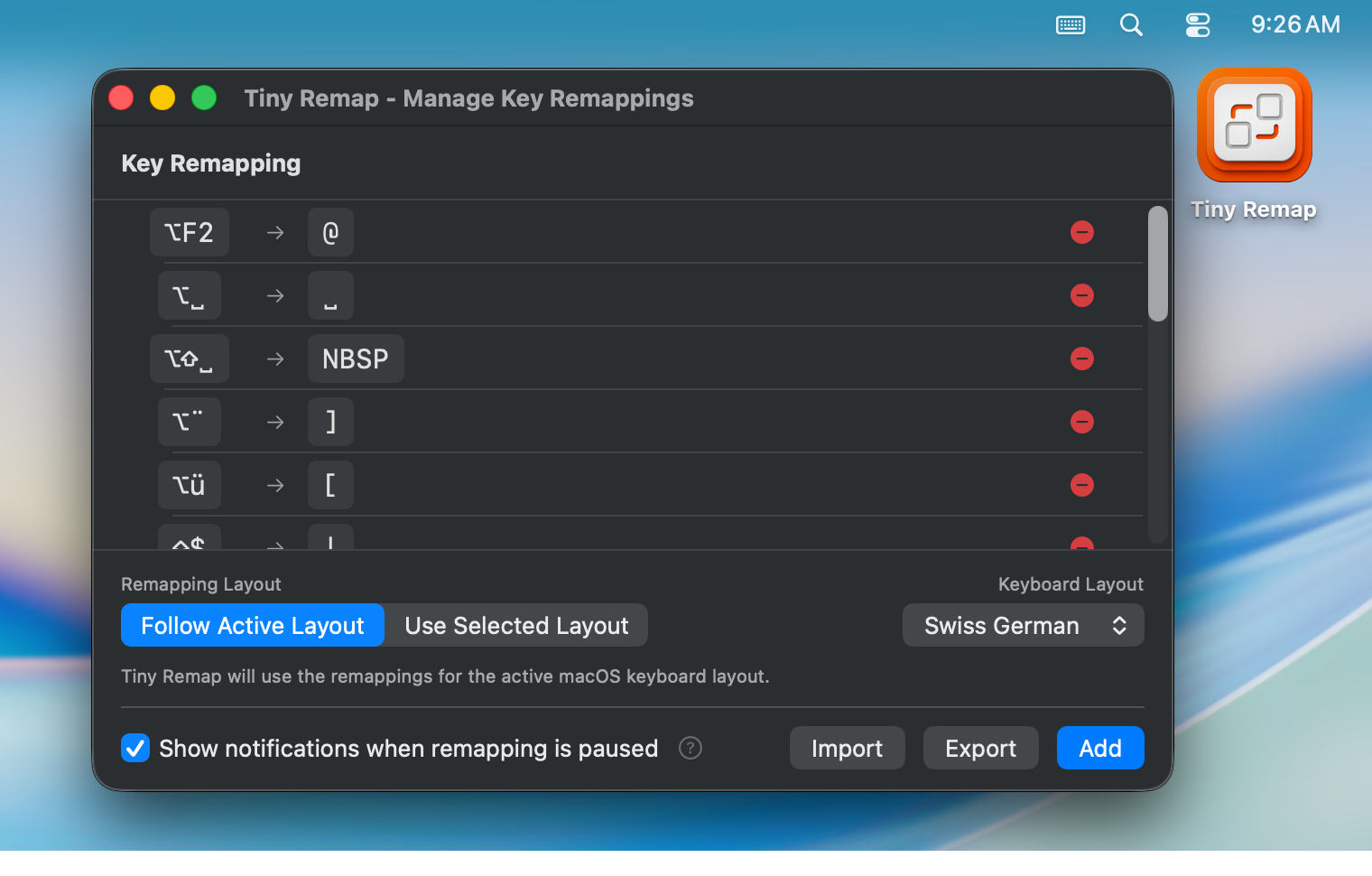
Each keyboard layout has its own independent remappings. Tiny Remap follows the active layout automatically, or stays pinned to one you choose.
Instant toggle
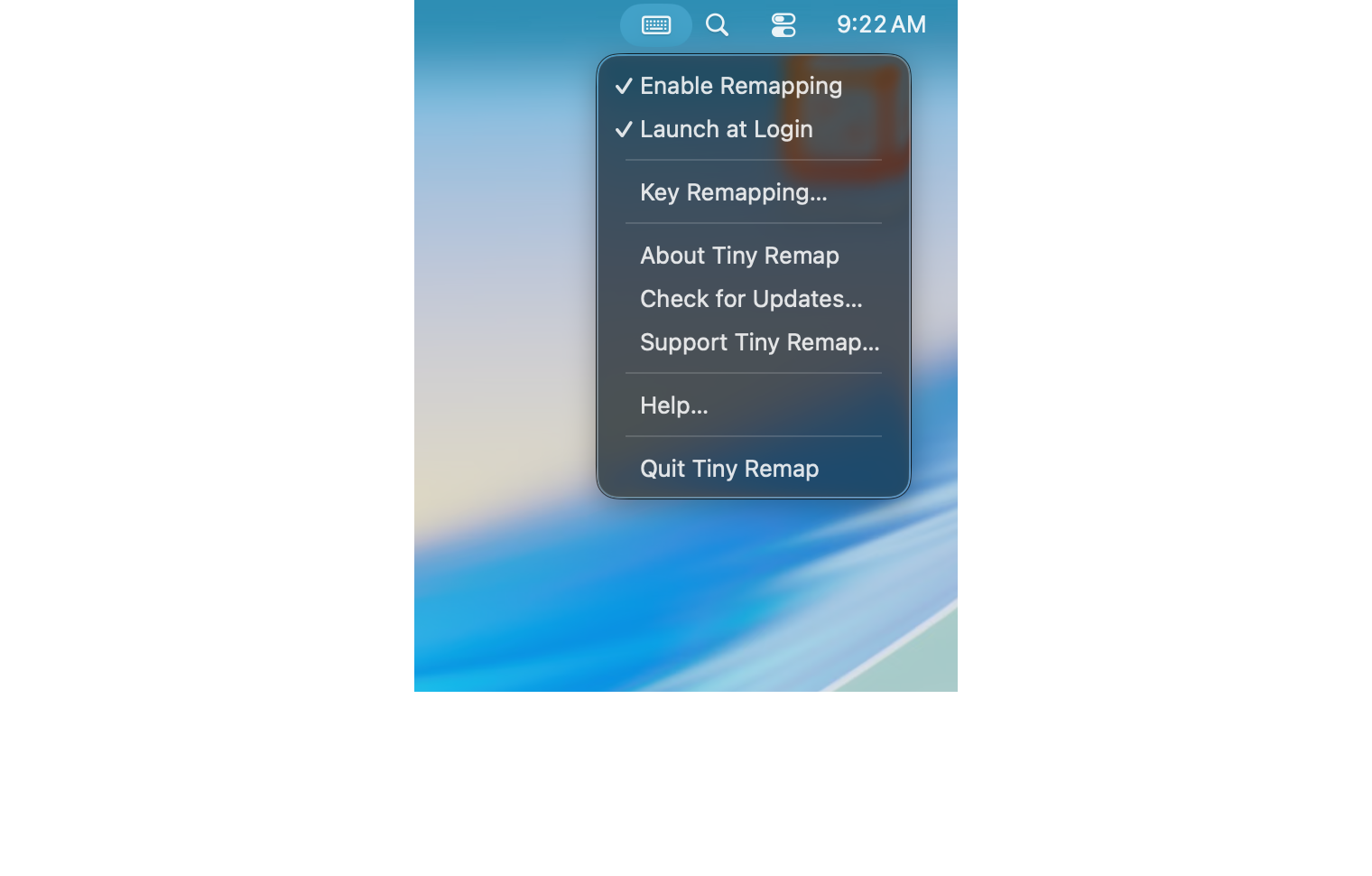
Enable or disable all remappings from the menu bar at any time. Your list is always preserved.
Launch at Login
Start automatically at login so your key mappings are always in place when you need them.
Automatic updates
Tiny Remap checks for updates in the background. A badge on the menu bar icon and a "Check for Updates…" menu item keep you current.
Import & Export
Back up and share your configuration as a .tinyremap file. Each layout's remappings are stored separately, and importing only replaces the layouts included in the file.
Secure Input awareness
The menu bar icon updates instantly when another app enables Secure Input, pausing remapping. Optional notifications tell you which app is responsible.
Menu bar only
No dock icon, no clutter — always out of the way.
Who it's for
Power users who want custom key assignments that work across every app
People who switch between PC and Mac keyboards and want familiar key behavior
Developers and writers tired of hunting for special characters
Multilingual typists who need quick access to characters outside their layout
International keyboard users who want to neutralise layout side-effects — like stopping Option+Space from inserting a non-breaking space mid-sentence, converting a dead key into its literal character so it fires immediately, or pre-composing a dead key + follow-up into a single trigger
Anyone who's ever wished a key just did something different
🔒
Privacy first
All input is processed entirely on your Mac. No keystrokes, no data — nothing ever leaves your device. Remappings are stored in a local database only.
🖥️
Requirements
macOS 13.5 Ventura or later
Accessibility permission — granted once at first launch
Signed with Developer ID certificate — no App Store sandbox limitations